ONE-PHOTO GAME ART

GTA 6 AI GeneratorTurn Your Photo Into a GTA 6 Character

Explore illustrated posters and game-inspired scenes built from your photos, with cinematic neon lighting and open-world atmosphere.

The workbench

Create Your GTA 6-Inspired Image

Pick a style and a composition, then add one clear photo to prepare your artwork.

1. Upload PhotoJPG, PNG, WEBP Β· Max 10 MB
↑

Drop your photo here or click to upload

A clear, well-lit face works best

2. Choose a Style

Illustrated Artwork

In-Game Scene

3. Aspect Ratio

Add a photo to get started.

The workbench3:4
β–£

Your photo preview appears here.

What Is GTA 6 AI Generator?

GTA 6 AI Generator is an independent creative project for people who want to turn their photos into GTA 6-inspired artwork. Explore nine concept styles across illustrated artwork and game-style scenes.

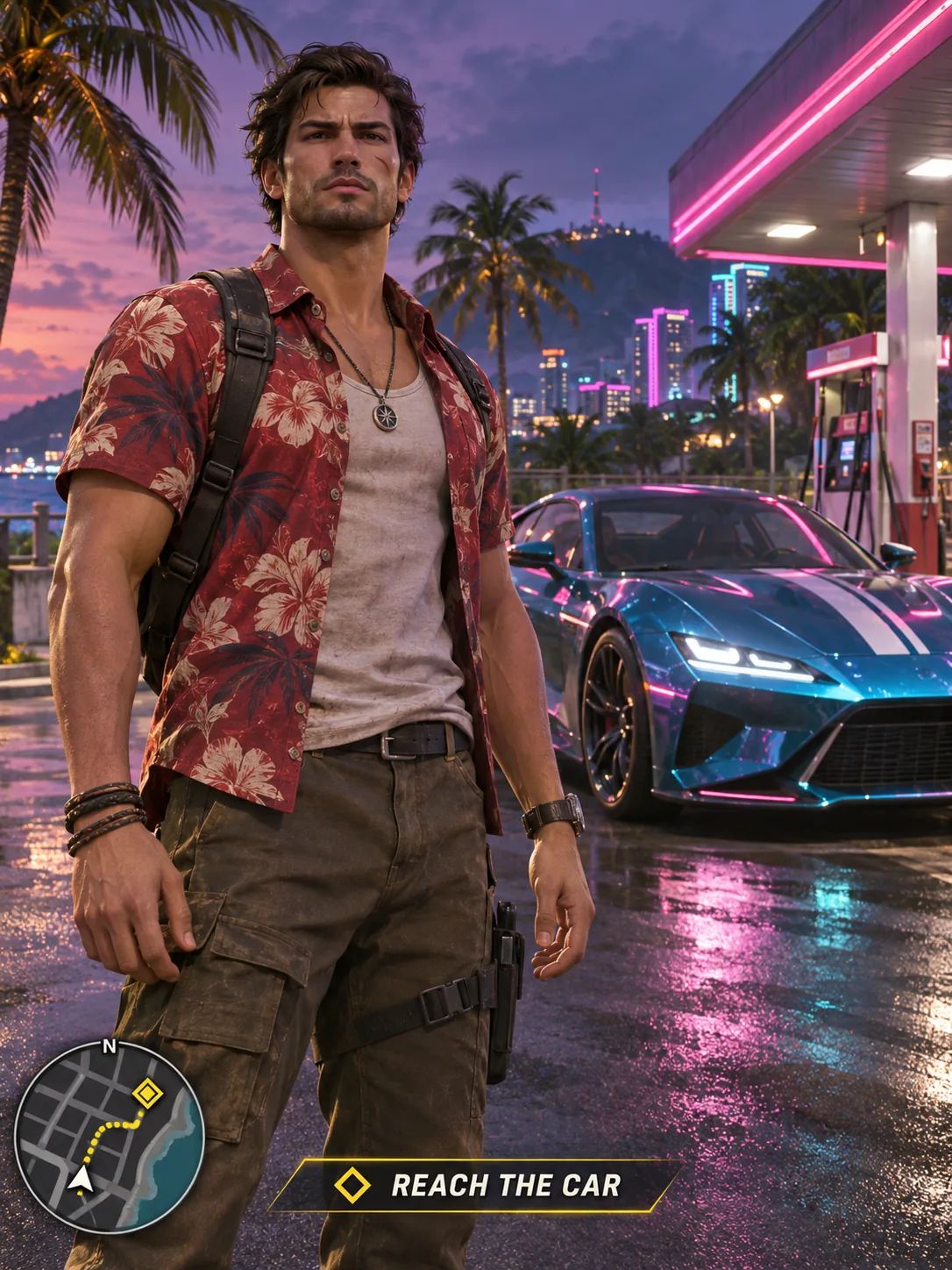
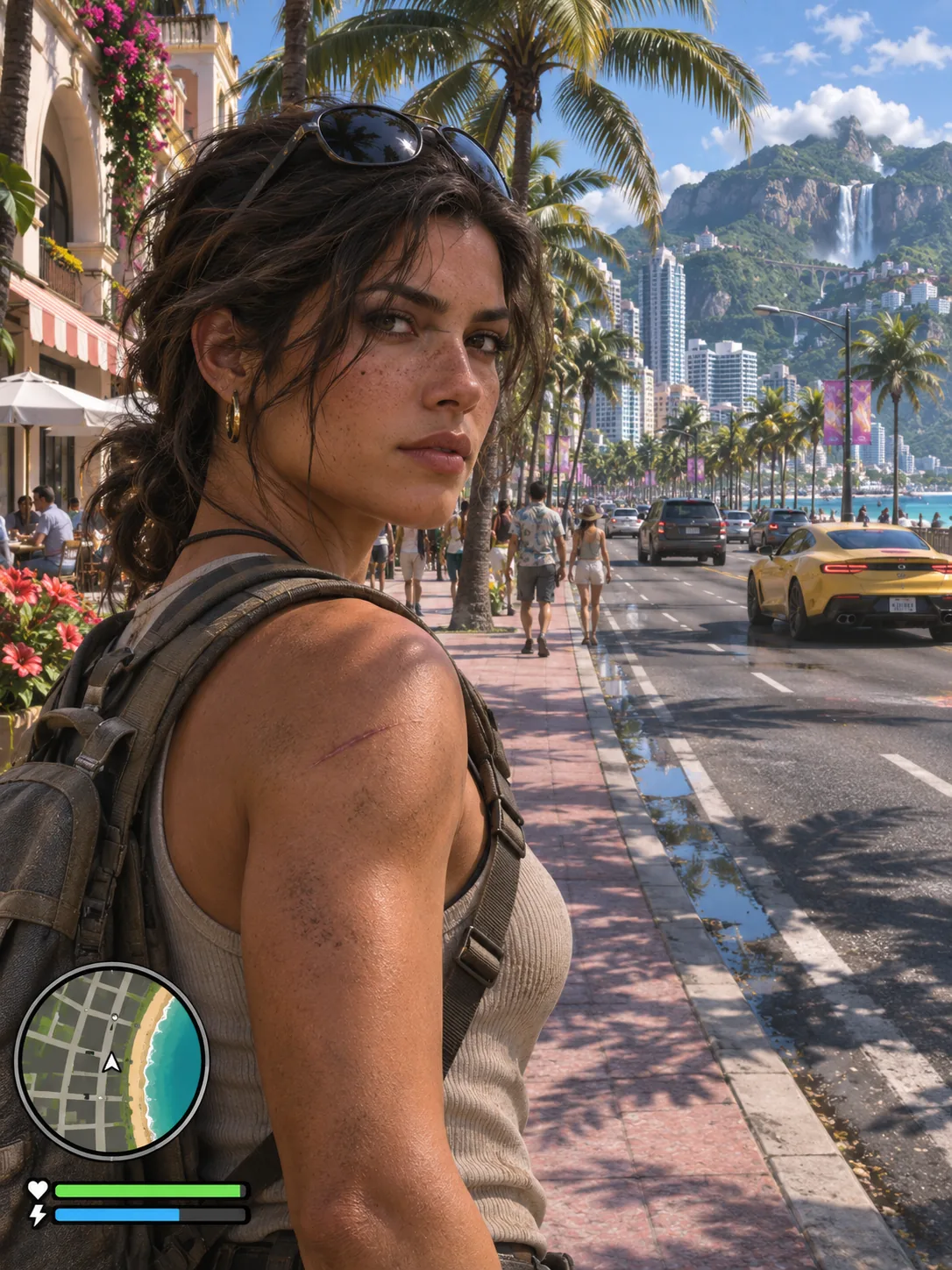
Illustrated Artwork takes its cues from character posters and loading-screen art. In-Game Scene explores a more realistic open-world look, with coastal locations, vehicles and, in selected concepts, a fictional game interface.

The images on this page are concept previews, not results made from the sample photos. Individual results and facial likeness can vary with the photo and the image model.

Open-world game-inspired scene concept with a fictional minimap
Two ways to picture yourself

Choose Your GTA 6-Inspired Visual Style

Start with the kind of image you want: an illustrated poster or a scene that resembles an open-world game. Both collections below use concept images to communicate their intended look.

Illustrated Artwork

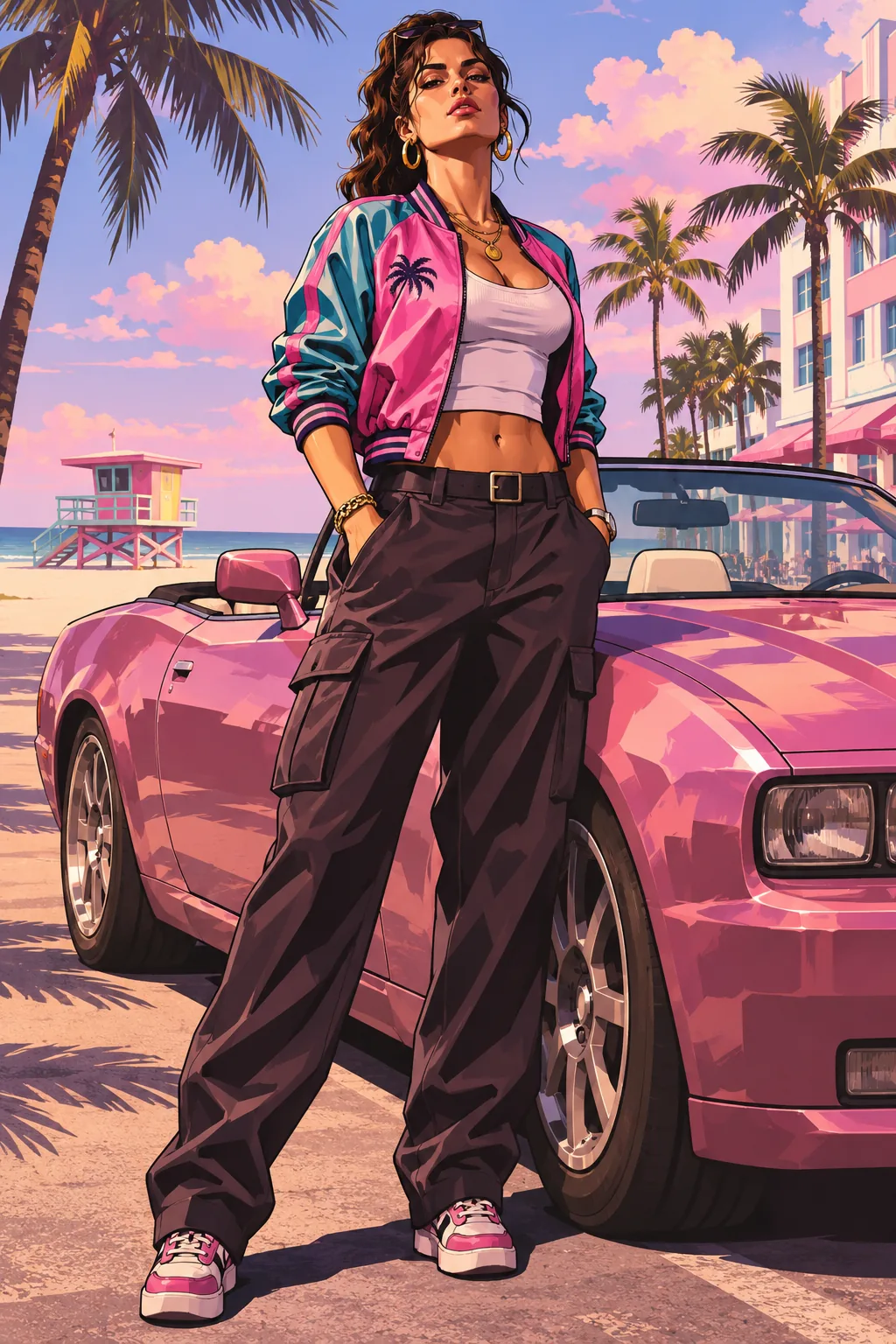
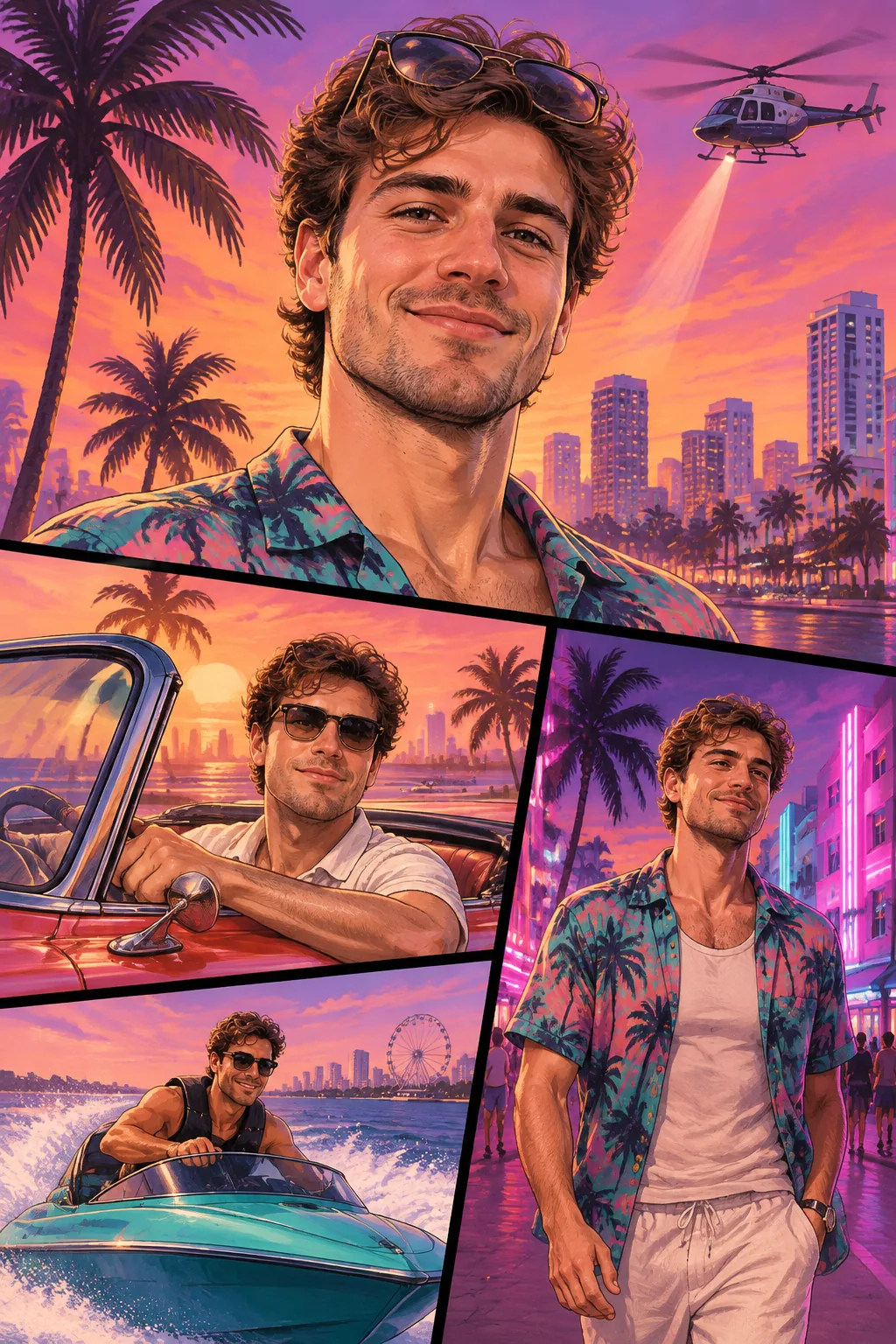
A hand-painted interpretation built around a character and a composed scene. Explore a loading-screen portrait, a multi-panel cover, a coastal key-art poster or a fictional wanted poster.

Look for painted shading, poster composition and stylized settings. The selected style determines the intended layout; it is not a reproduction of official artwork.
In-Game Scene

A realistic game-inspired scene places a character in a coastal city, at a car meet, in a nightclub or on a yacht. Gameplay and mission concepts include fictional interface elements.

These are still-image concepts. The previews show the intended camera angle and atmosphere; actual results depend on the uploaded photo and the image service.

Find your look

Explore GTA 6-Inspired Styles

Choose from illustrated artwork and game-inspired scenes. These concept images show the intended styles; results will vary.

Illustrated Artwork

Loading-screen portraits, game covers and character posters in a hand-painted style.

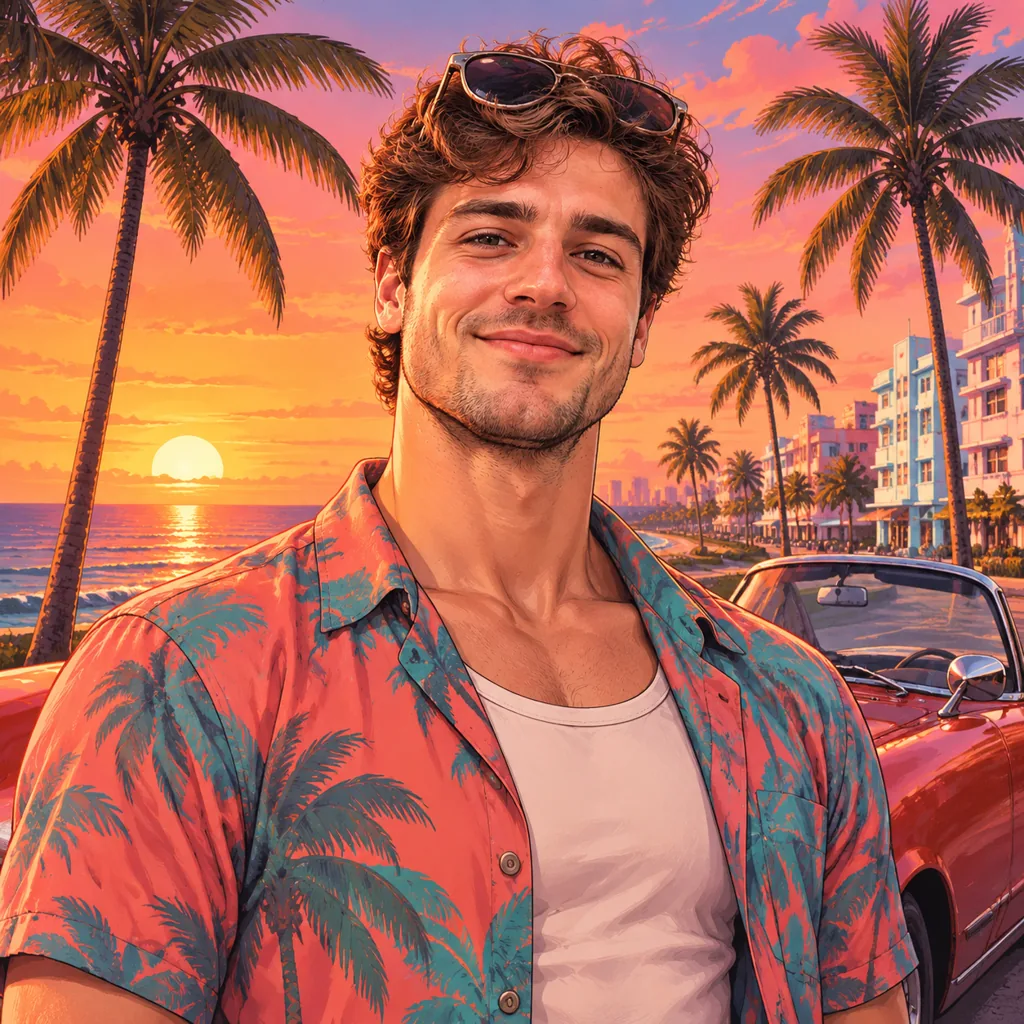
Loading Screen concept preview

Loading Screen

A character portrait with a coastal backdrop

Cover Art concept preview

Cover Art

Your character in a multi-panel game cover

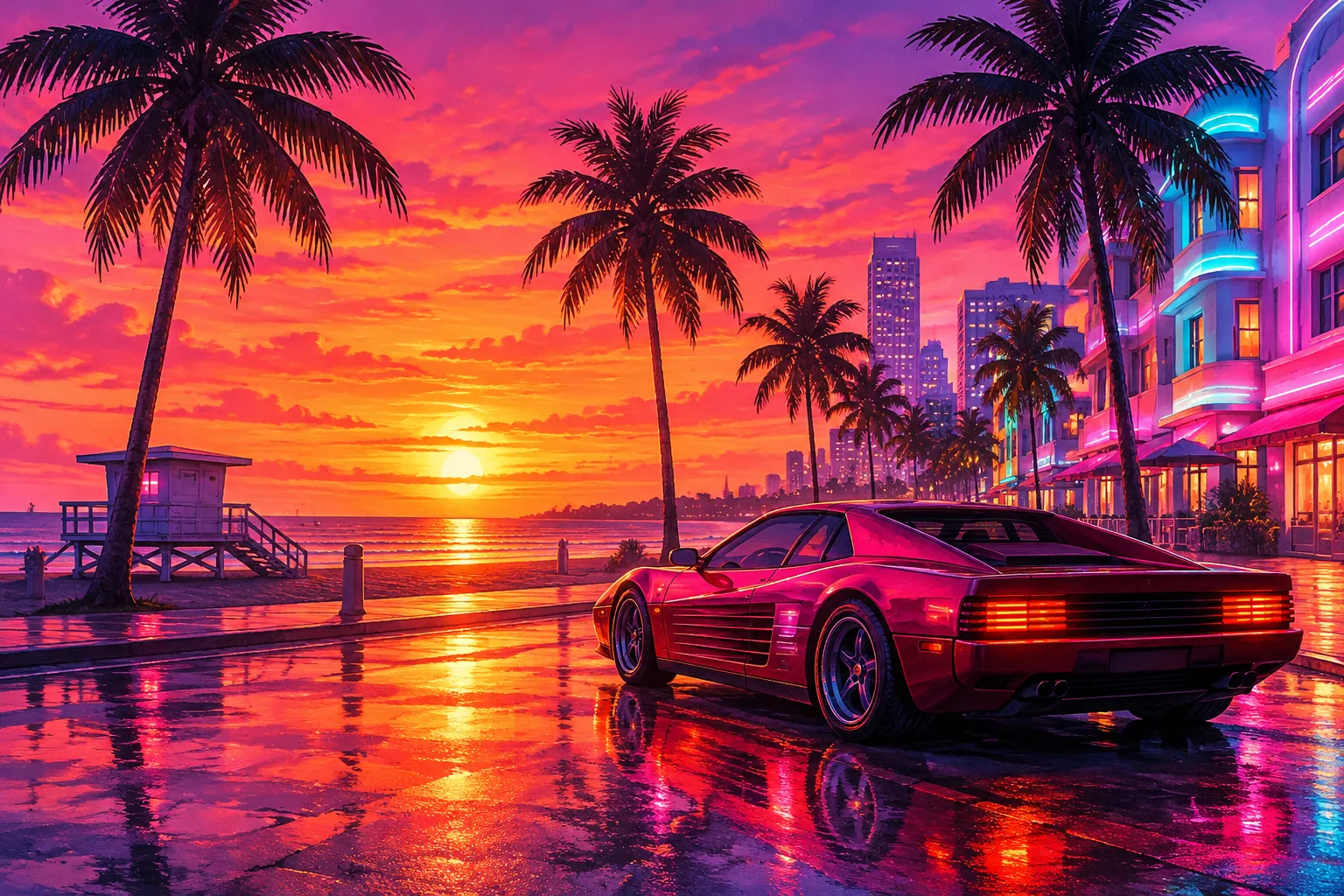
Vice City Key Art concept preview

Vice City Key Art

A character poster beside a coastal car

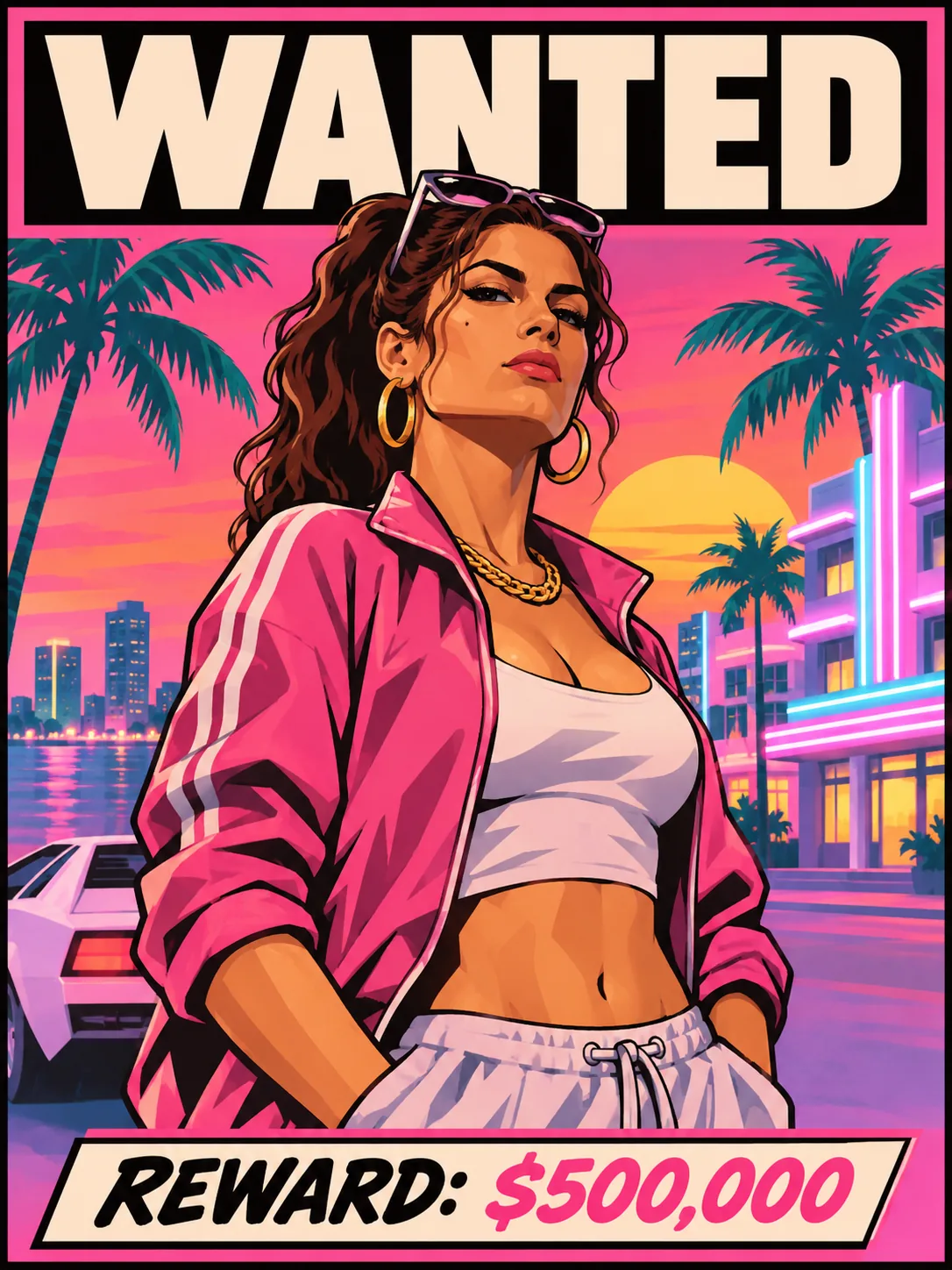
Wanted Poster concept preview

Wanted Poster

A fictional wanted poster starring you

In-Game Scene

Explore character-led scenes inspired by a tropical open world, from car meets to gameplay.

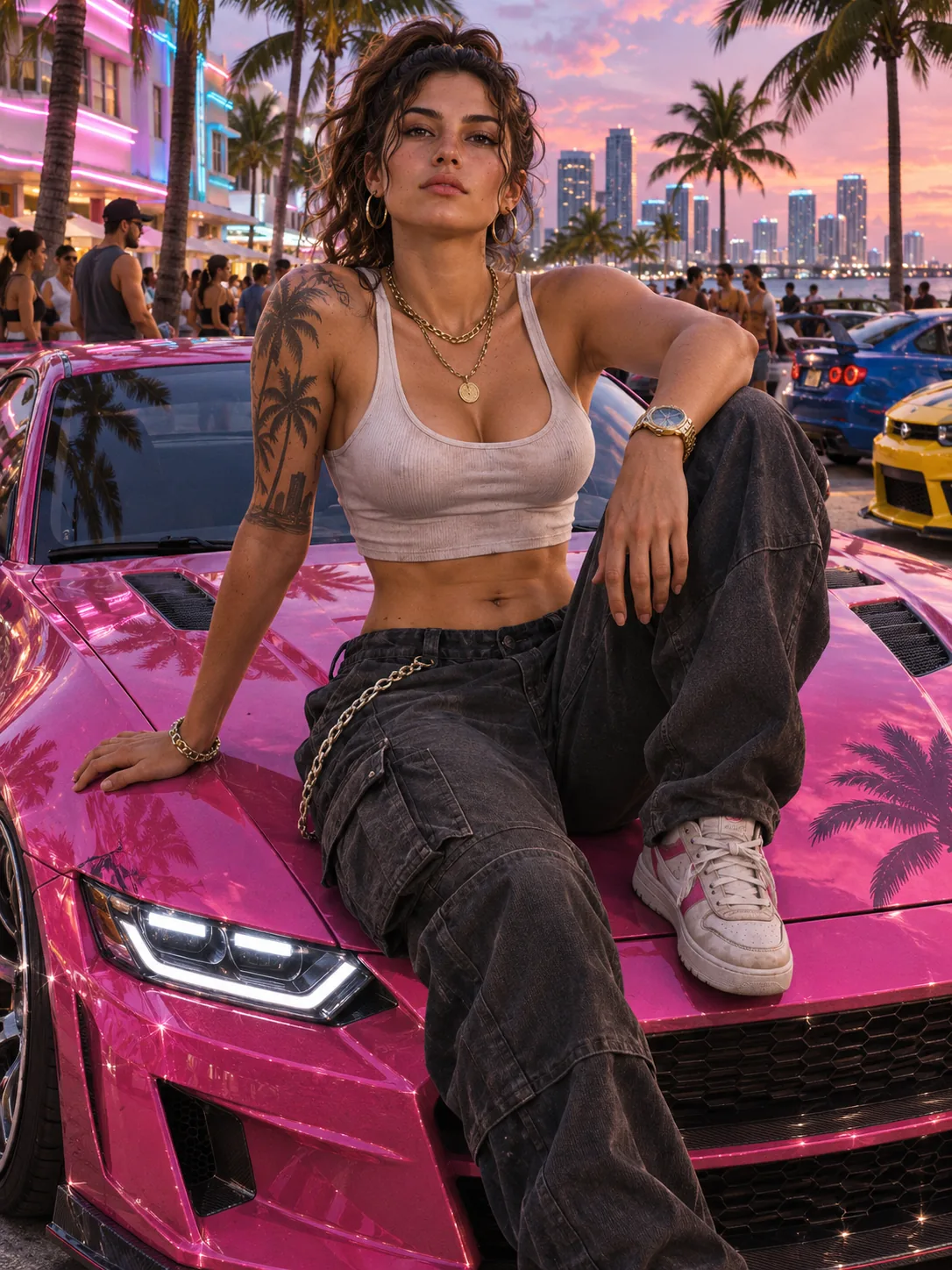
Vice City Car Meet concept preview

Vice City Car Meet

Meet up beside a custom sports car

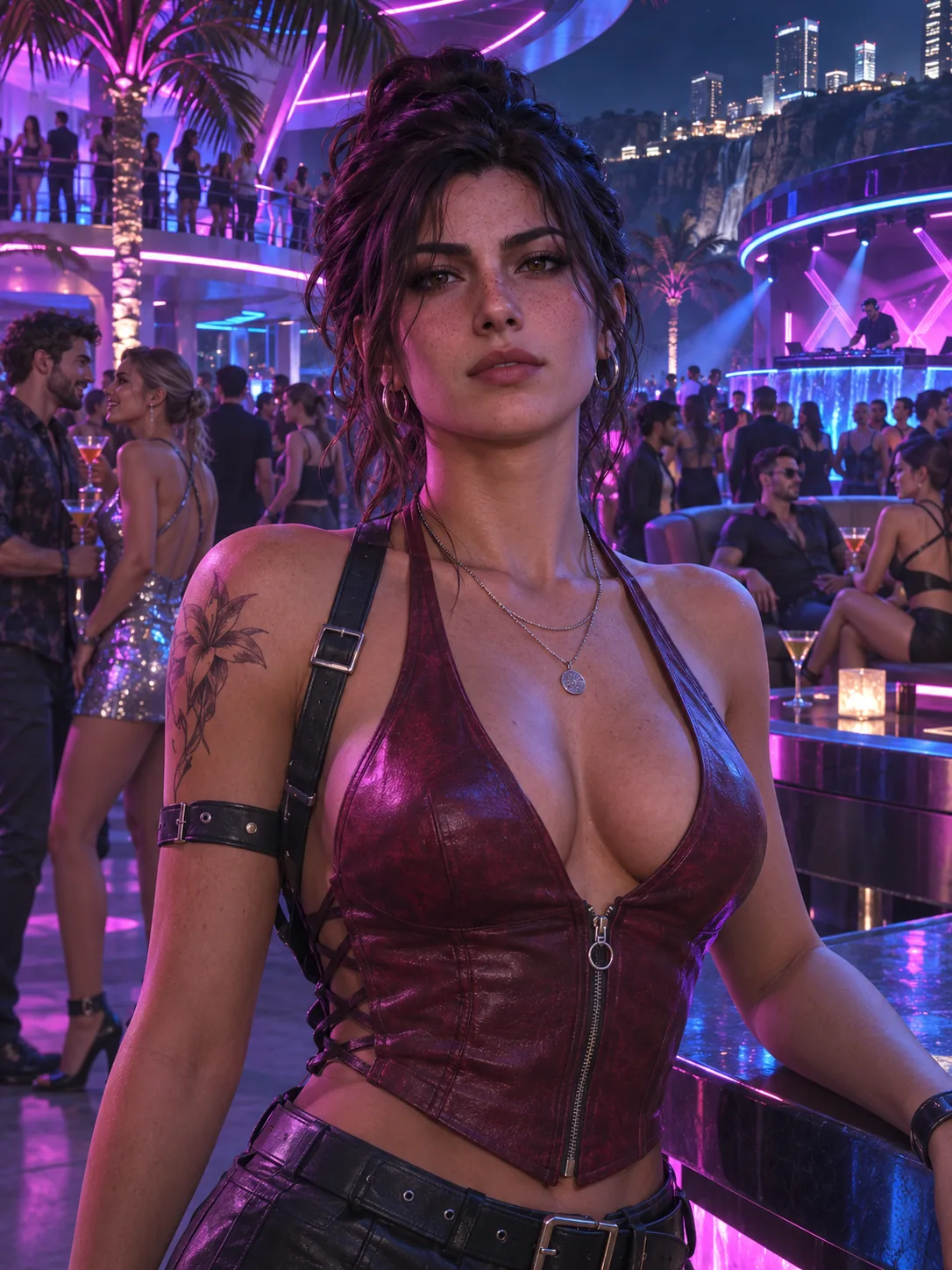
Vice City Nightlife concept preview

Vice City Nightlife

A neon-lit night out in the city

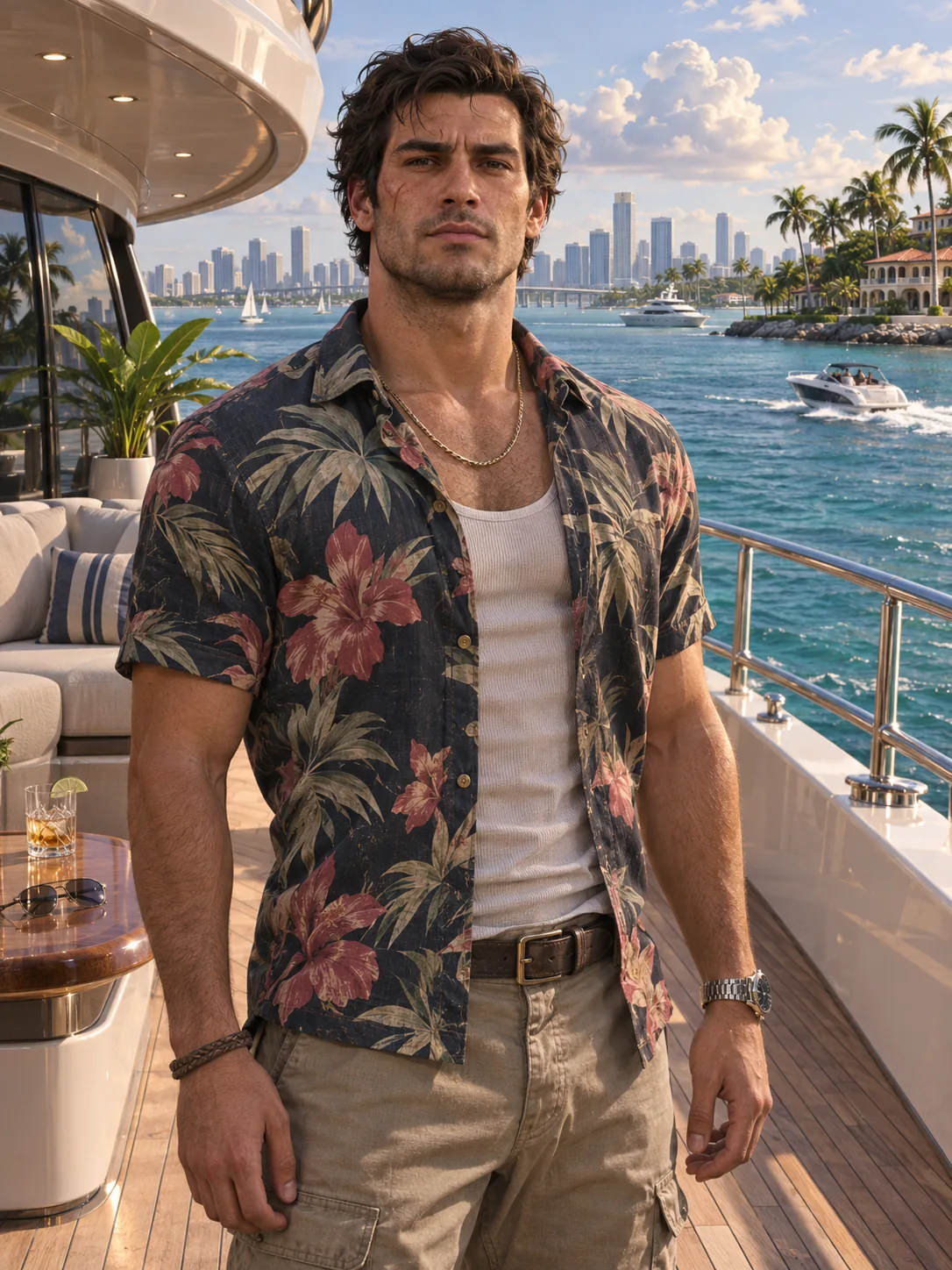
Coastal Getaway concept preview

Coastal Getaway

A yacht deck above the tropical bay

Open-World Gameplay concept preview

Open-World Gameplay

Explore the city with a third-person camera

Mission Screen concept preview

Mission Screen

Step into an open-world mission

Before and after

See How a Photo Becomes Game Art

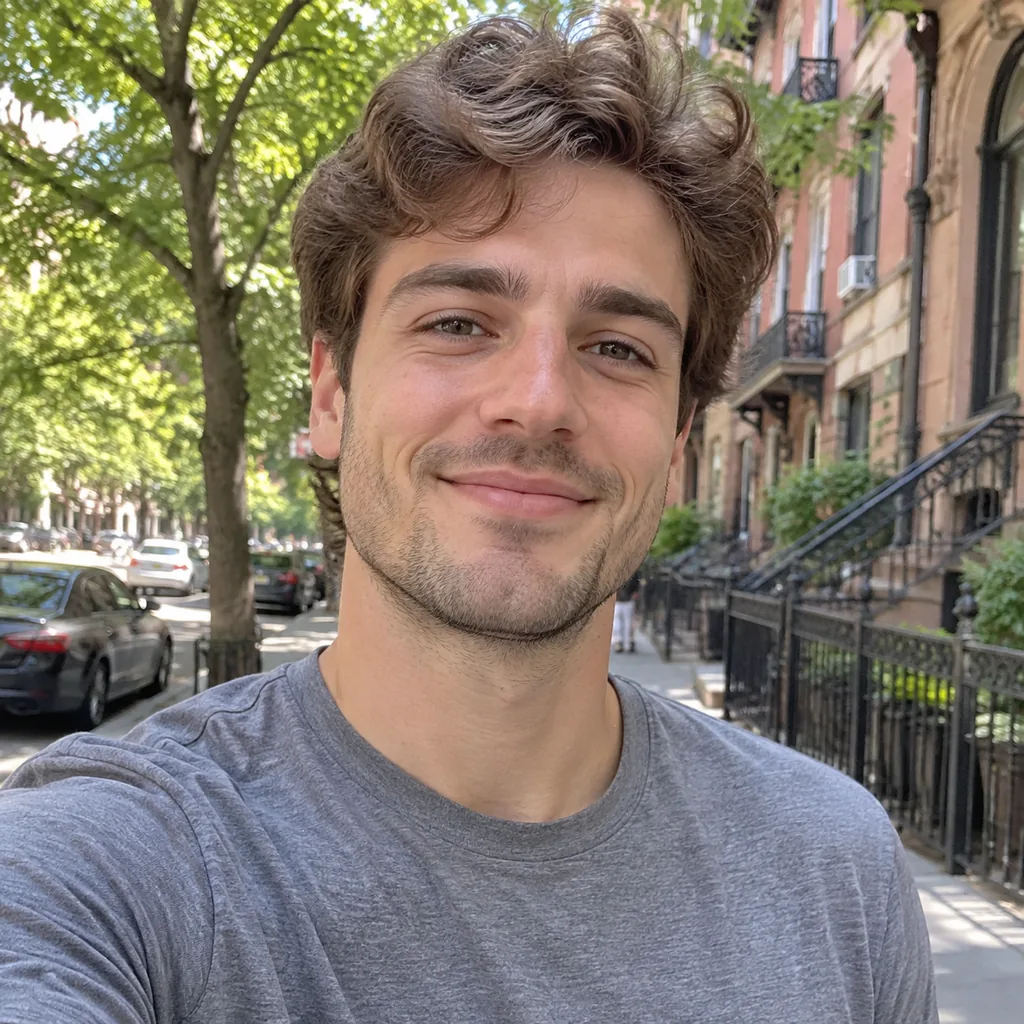
Drag the slider to compare an original portrait with a GTA 6-inspired concept artwork.

Concept preview. Actual results depend on the uploaded photo and the selected style.

GTA 6-inspired concept artwork after a photo transformation
Original portrait photo before a GTA 6-inspired transformation
ORIGINAL PHOTOGTA 6 AI
⇄
Drag to Compare

Explore Your GTA 6 AI Image Options

The GTA 6 AI Generator workbench lets you explore the style concepts and prepare a photo. Preview images illustrate the intended look.

Browse Nine Styles

Compare four illustrated concepts and five game-inspired scenes. Select a card to load that style in the workbench and inspect its larger preview.

Preview Your Photo

Select a JPG, PNG or WebP image up to 10 MB and see it in the upload area. You can replace or remove it while exploring the available styles.

Keep Your Photo While Exploring

Switch between styles without selecting the same photo again. The workbench preview updates to match the style you have chosen.

Choose a Composition

Try the square, portrait, phone and widescreen controls to plan your artwork. Supported output dimensions depend on the image service.

How to Make GTA 6 AI Images

Choose a look and a photo, then generate your artwork in the workbench.

01

Choose a Look

Choose illustrated artwork or an in-game scene, then pick a style.

02

Add Your Photo

Choose a clear JPG, PNG or WebP photo under 10 MB.

03

Choose a Format

Pick a composition for a poster or wallpaper.

04

Create Your Art

Generate your artwork and download the finished image.

Find a direction

Ideas for Your GTA 6-Inspired Image

Choose a composition for the image you have in mind. These ideas describe the visual direction of each style.

Character Posters

Choose Loading Screen or Vice City Key Art for a character-led poster with a coastal setting. Portrait composition keeps attention on the subject while leaving room for the world behind them.

Game Cover Concepts

Explore Cover Art for a divided, multi-panel composition. The concept combines a larger character image with smaller action and city scenes in a single poster layout.

Open-World Scenes

Explore a car meet, a nightclub or a yacht setting, or choose a gameplay or mission concept with fictional interface elements. These are AI-created concepts, not screenshots from the game.

PRICING // PAY AS YOU GO

Flexible Pay-As-You-Go Credits

Zero monthly subscriptions. Pay only when you create. Credits never expire.

Starter
$6.99ONE-TIME PACK
CREDITS50 CR

Up to 25 GTA 6 artworks

  • Up to 25 GTA 6 artworks
  • Standard queue processing
  • All four ratios: 1:1, 3:4, 9:16, 16:9
  • Full commercial usage rights

Secure 256-bit encrypted checkout via Subotiz.

Google sign-in required at checkout

MOST POPULAR
Creator
$12.90ONE-TIME PACK
CREDITS140 CR

Up to 70 GTA 6 artworks

  • Up to 70 GTA 6 artworks
  • Priority generation queue
  • All four ratios: 1:1, 3:4, 9:16, 16:9
  • Full commercial usage rights

Secure 256-bit encrypted checkout via Subotiz.

Google sign-in required at checkout

Studio
$24.90ONE-TIME PACK
CREDITS280 CR

Up to 140 GTA 6 artworks

  • Up to 140 GTA 6 artworks
  • Fastest priority processing
  • All four ratios: 1:1, 3:4, 9:16, 16:9
  • Full commercial usage rights

Secure 256-bit encrypted checkout via Subotiz.

Google sign-in required at checkout

Credits never expireNo recurring subscription chargesFull commercial licensing included

GTA 6 AI Generator FAQ

Learn about the illustrated and game-inspired styles, photo formats, and the project.

GTA 6 AI Generator is an independent creative project for turning a photo into GTA 6-inspired artwork.

It offers nine illustrated and game-style concepts you can explore.

Create Your Own GTA 6 Character

Discover illustrated posters and game-inspired scenes inspired by Vice City.

AI-generated concept artwork β€’ Independent fan-inspired project

GTA 6 AI Generator is an independent third-party creative tool and is not affiliated with, endorsed by, or sponsored by Rockstar Games or Take-Two Interactive. Outputs may carry an invisible provenance watermark added by the underlying image model.